
Import your Discogs listing to WooCommerce in seconds
Your content goes here. Edit or remove this text inline or in the module Content settings. You can also style every aspect of this content in the module Design settings and even apply custom CSS to this text in the module Advanced settings.
Powerful features, built for sellers

One-Click Import
Import your Discogs inventory into WooCommerce instantly with complete and accurate data.

Smart Templates
Automatically generate product descriptions using tokens for titles, artists, formats, and more.

Image Import
Import all Discogs images, from cover to gallery, directly into your product with a single toggle.

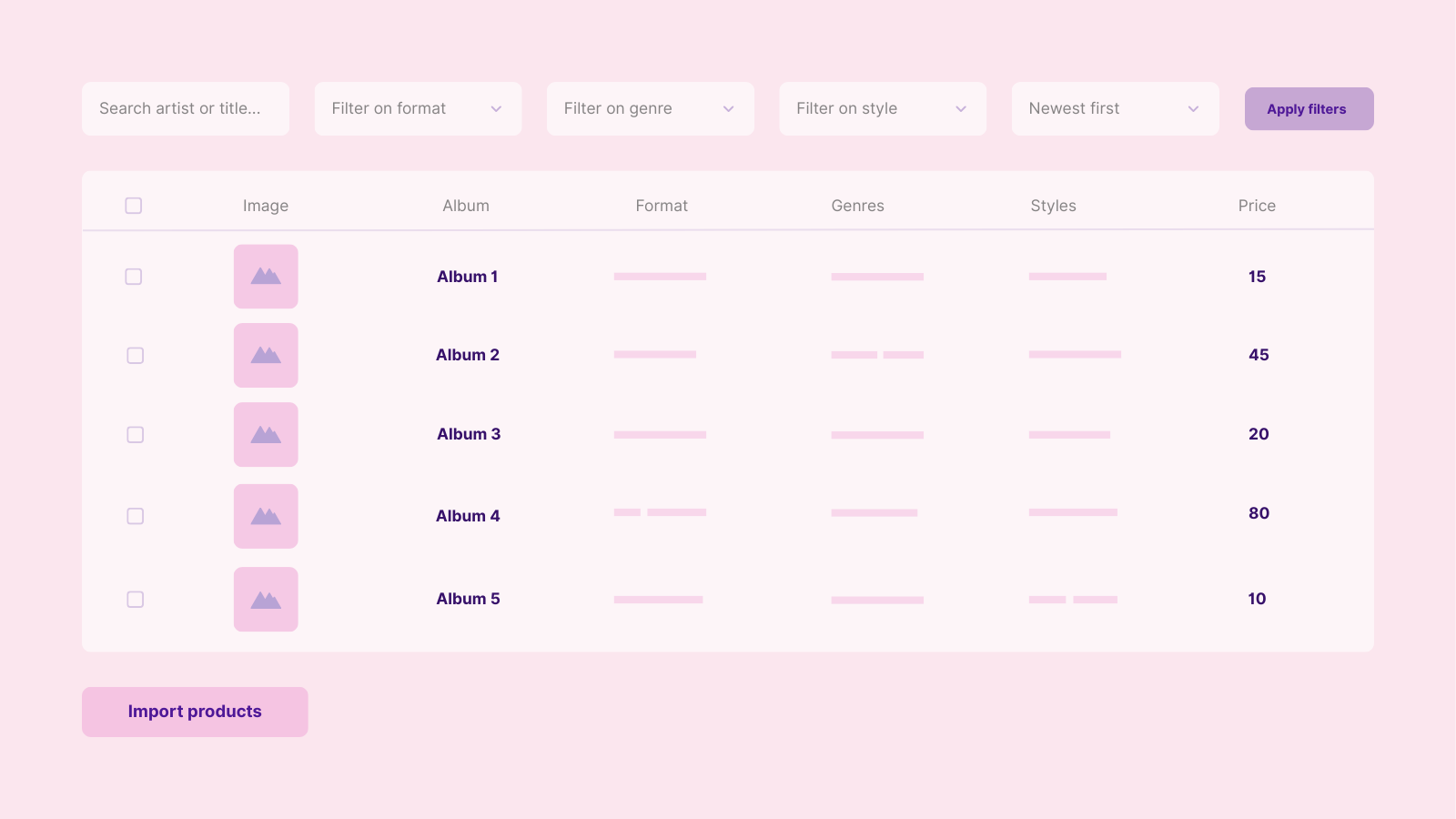
Advanced Filters
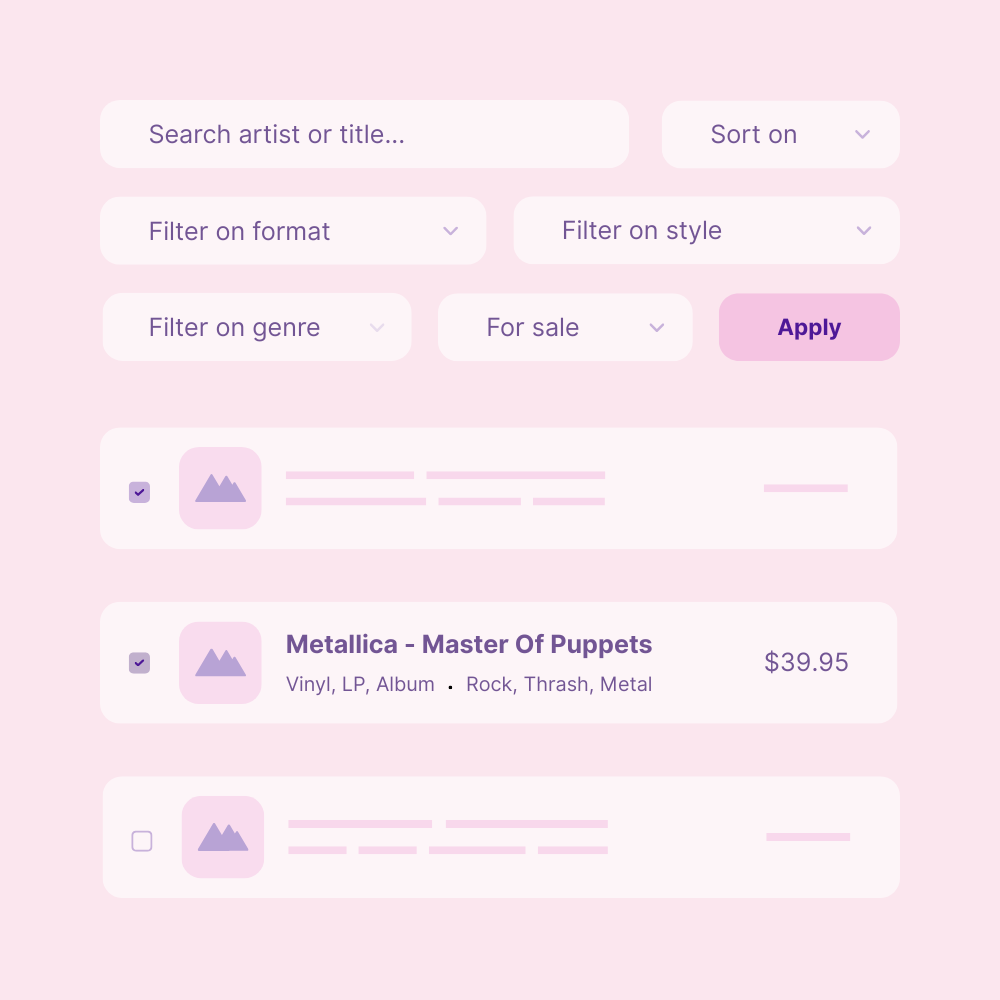
Search, sort, and filter by format, genre, style, and more to import exactly the releases you want.

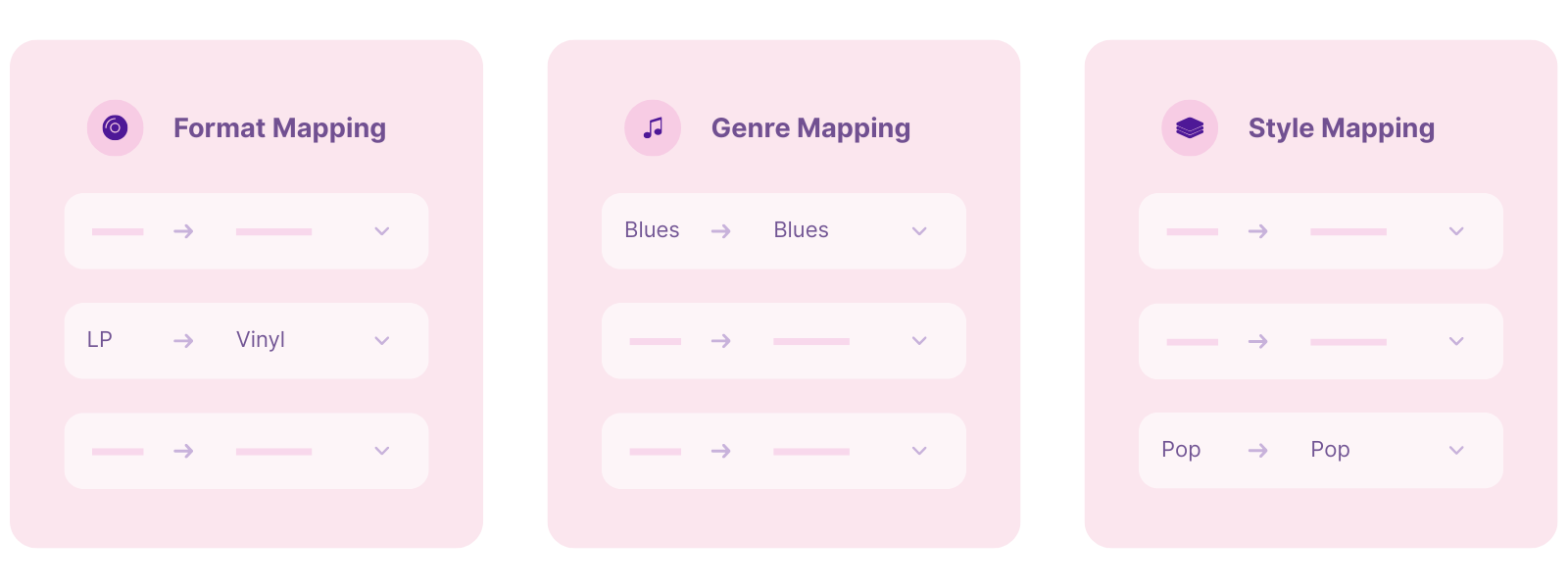
Category Mapping
Map Discogs formats, genres, and styles to your WooCommerce categories with ease.

Auto Repricing
Apply pricing rules during import, add margins, set fixed markups, or round prices automatically.

Flexible field mapping templates
Define how Discogs information populates WooCommerce fields. Use tokens to build templates that place artists, titles, formats, conditions, countries, or tracklists into the right fields, from long descriptions to SEO metadata.
Each import uses your selected template automatically, giving you clean, structured product pages without the manual work.
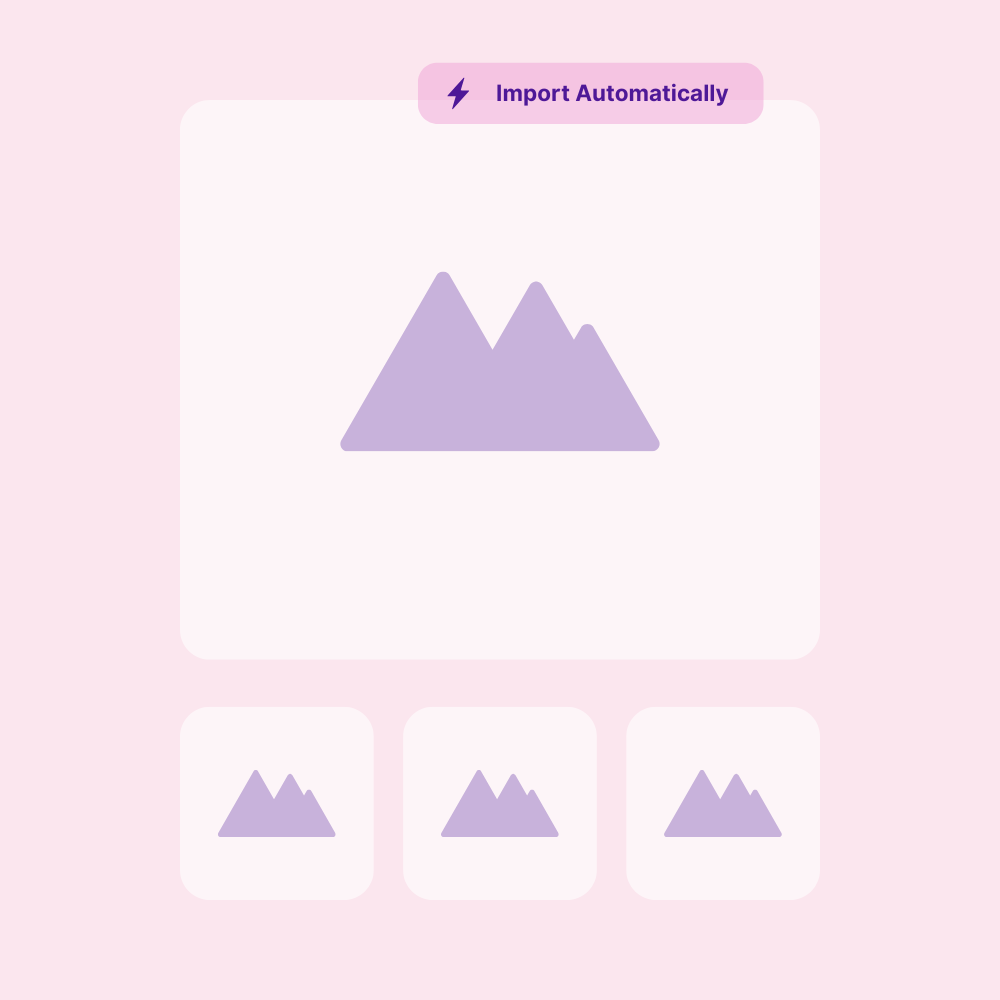
Import Discogs images automatically
Every Discogs listing you import can automatically include all its images: cover, back cover, gallery shots, whatever is available. Your WooCommerce products are created fully visual without extra work.
Rather upload images yourself? You can disable image import at any time.
Categorize your imports
Match Discogs formats, genres, and styles to your product categories in just a few clicks. Discowoo saves your choices and remembers them for future imports, ensuring every new product ends up in the right category instantly.
Reprice your products easily
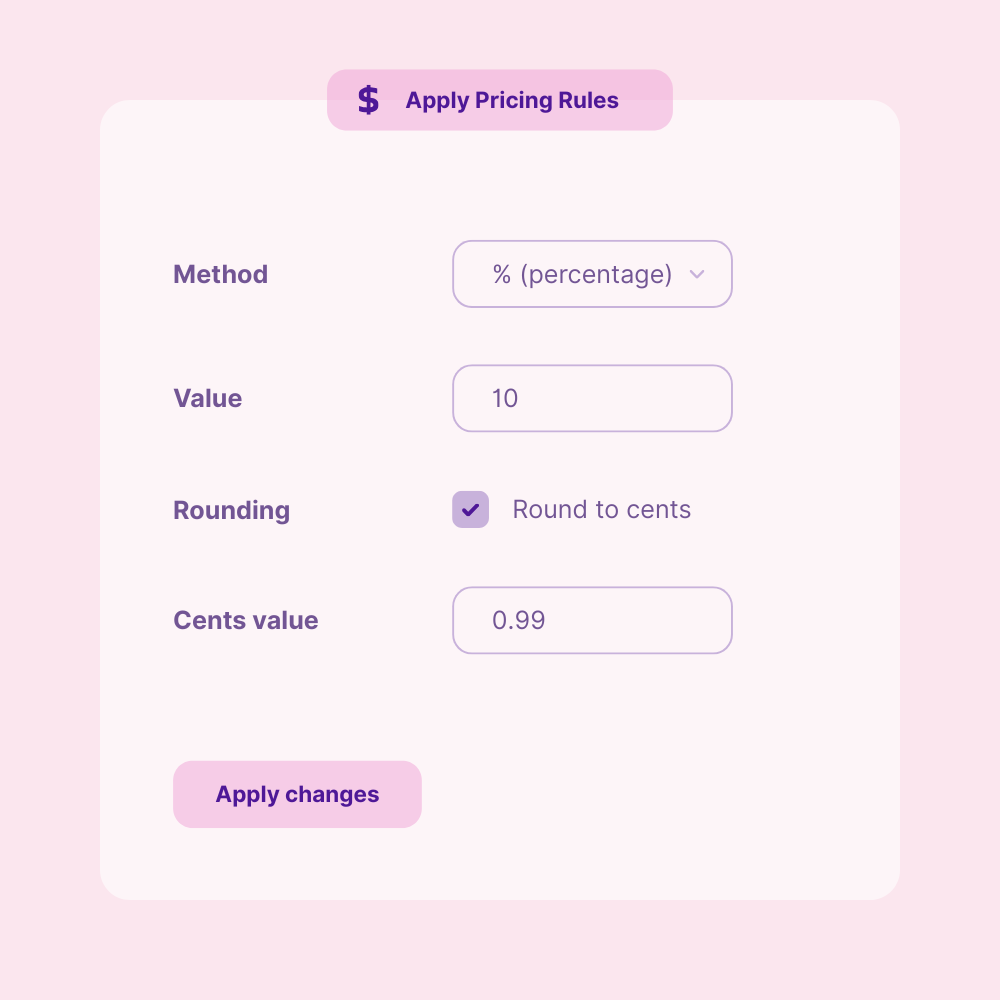
Set your pricing rules once, and let Discowoo adjust every imported product automatically. Increase prices by percentage, fixed amount, or multiplier, and optionally apply charm rounding for a clean, consistent storefront.
Save hours of manual price editing while keeping your Discogs imports perfectly aligned with your shop’s pricing strategy, every single time.
Filter your Discogs listings your way
Quickly scan, sort, and filter thousands of Discogs listings with precision. Search by artist or title, filter by format, genre, style, or Discogs status. Even sort results to find newest or lowest-priced items instantly.
Whether you want to bulk-import everything or hand-pick only a few specific releases, Discowoo keeps your workflow fast, clean, and perfectly organized.
Using the plugin is simple

Install the plugin
Add Discowoo to your WordPress website like any other plugin.

Connect with Discogs
Enter your API token to securely link your Discogs intentory.

Import your listings
Filter your listings and create draft products instantly.

Save hours of manual work
Stop copying data by hand. Discowoo automates imports, descriptions, images, and pricing so you can manage your inventory in minutes, not hours.

Accurate data
No more messy product info. Every import pulls clean, precise Discogs data straight into the right WooCommerce product fields, fully mapped and perfectly formatted.

A cleaner store
Consistent product, zero clutter. Every import pulls clean, precise Discogs data straight into the right WooCommerce fields, fully mapped and perfectly formatted.
Our pricing is simple with no hidden fees
Pay every possible way and buy your Discogs plugin today!
Premium
$99
- License for 1 website
- 1 year of premium support
- Unlimited imports & syncs
- Smart templates
- Automatic image import
- Auto repricing
- Advanced filters
- Category mapping
- No product limits
- Secure Discogs API connection
Advanced
$150
- License for 3 websites
- 1 year of premium support
- Unlimited imports & syncs
- Smart templates
- Automatic image import
- Auto repricing
- Advanced filters
- Category mapping
- No product limits
- Secure Discogs API connection
Frequently Asked Questions
Do I need technical skills to use Discowoo?
No. Discowoo is designed for Discogs sellers, not developers. If you can install a WordPress plugin and copy your Discogs API token, you’re ready to go. Everything else is automated and easy to follow.
How do I connect my website to my Discogs account?
You simply enter your Discogs API token inside the Discowoo settings. Once added, Discowoo immediately retrieves your inventory and keeps it available for import. If you need help finding your token, the step-by-step instructions are available in the documentation.
What information does Discowoo import?
Discowoo imports everything needed to create complete WooCommerce products:
- titles & artists
- formats, genres, styles
- labels, year, catalog number
- tracklist
- price
- all Discogs images (cover + gallery)
Your products are automatically structured and ready to review.
Can I choose which items to import?
Yes. You stay in full control. Discowoo offers powerful filters for searching, sorting, and narrowing down your inventory by format, genre, style, or price. You import only the items you want, nothing else.
Are imported products added as drafts?
Yes. Every imported product is created as a draft in WooCommerce. This gives you time to check images, format, pricing, and descriptions before publishing them live in your store.
Can I control how my product descriptions look?
Absolutely. With templates, you define once how your short and long descriptions should be structured. Discowoo fills them automatically using data from each release. It keeps your shop consistent and saves hours of manual writing.
How do I connect my website to my Discogs account?
You simply enter your Discogs API token inside the Discowoo settings Once added, Discowoo immediately retrieves your inventory and keeps it available for import. If you need help finding your token, the step-by-step instructions are available in the documentation.
Does Discowoo import all Discogs images?
Yes. Discowoo downloads the main cover and all additional release images directly into your product gallery. You don’t have to upload anything manually, every product is ready with complete visuals.
Does Discowoo change anything on my Discogs account?
No. Your Discogs account stays completely untouched. Discowoo only reads your listing and release data. Nothing is overwritten or modified.
Can Discowoo adjust my prices automatically?
Yes. You can set price rules including percentage margins, fixed markups, multipliers, or automatic rounding. These rules apply during the import so your prices are ready the moment the product is created.
Is there a limit to how many items I can import?
No. Discowoo has no product limit. Whether your inventory has 10 releases or 10,000, Discowoo imports them with the same speed and accuracy.